


Duplicate a Voyage
You can use the Duplicate feature to reduce manual data entry when you have to create a new voyage for the same vessel. This feature allows you to reuse static information while simply updating the schedule for the new call.
Retrieve the voyage record you would like to copy via the “My voyages” screen or the search feature on the Voyage home page and click “Duplicate”. You will be prompted to enter the ETA and ETD for the new voyage. Once entered, click Duplicate again to generate the new record.
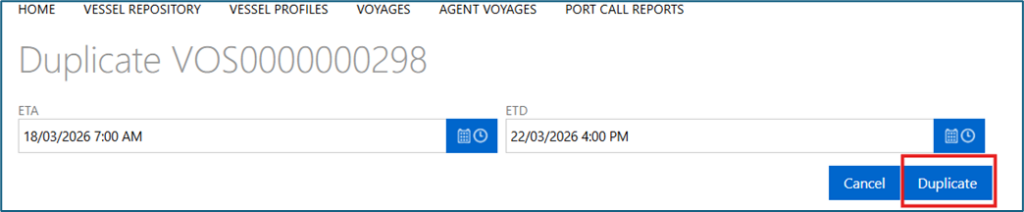
All vessel and general voyage information from the original record will be prepopulated in the new draft. You can update these fields as necessary. However, all dates from the original voyage are removed. You must provide a complete set of new valid dates for this voyage.