Looking for help?
Edit Vessel Record
Edit Vessel Record
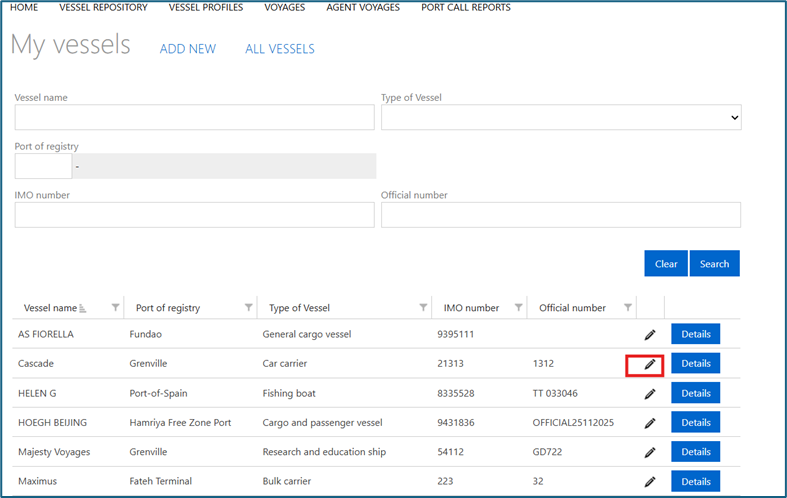
Shipping Agents can edit the vessel records created by their organisation only. Click the pencil icon on a vessel record to open it in edit mode. Update details as necessary, then click save. The unique vessel identifiers (IMO and Official Number) are grayed out and not editable.
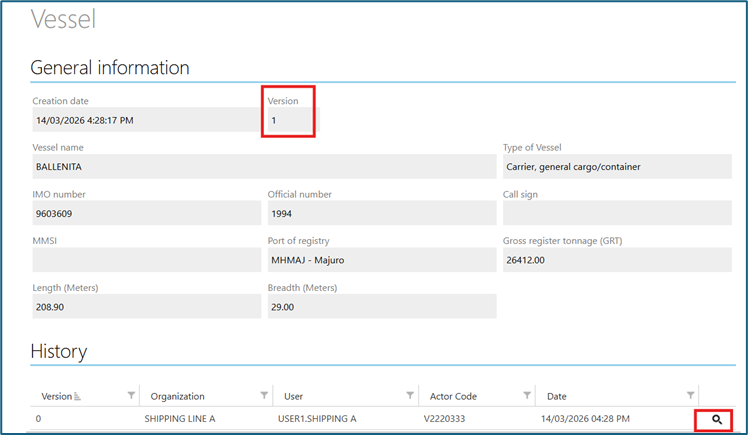
When a vessel record is edited and saved, a new version of the record is created and the version field is updated accordingly. The record history can be viewed below the record details. Click the magnifying glass icon to view the previous versions of the record.