


Import Declarations via Excel
The PCS allows users to import Arrival and Departure Declarations using the Microsoft Excel templates provided below.
The following templates are available:
The Import feature can only be used when the declarations are in Draft status. If any declaration has been saved as Valid, you will not be able to use the feature to import new data. Therefore, ensure that all declarations remain in Draft status before attempting to use this feature.
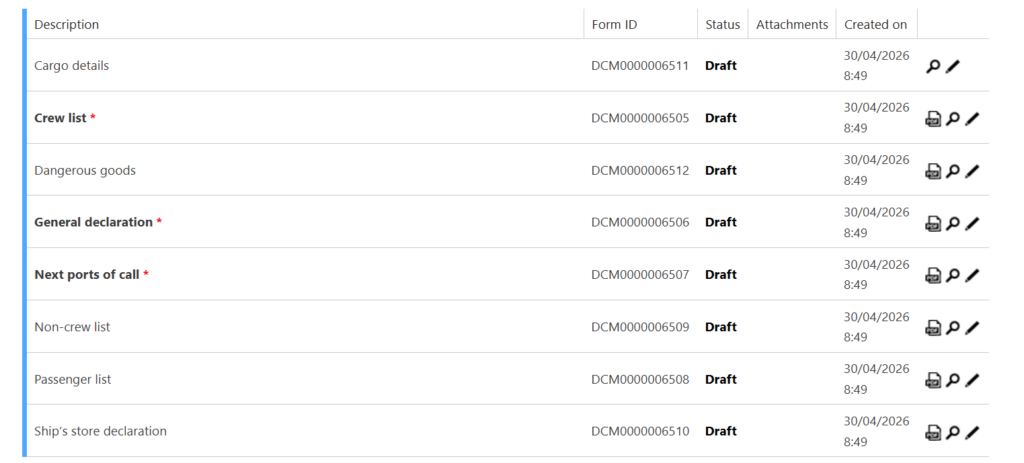
To import a declaration:
Click “Import Arrival Declaration from Excel” or “Import Departure Declaration from Excel.”

Select “Select File” to browse your device and locate the completed template.
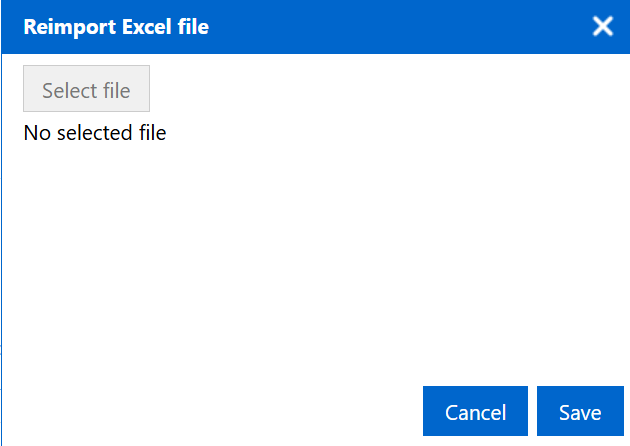
Choose the file and click “Save” to begin the import process.
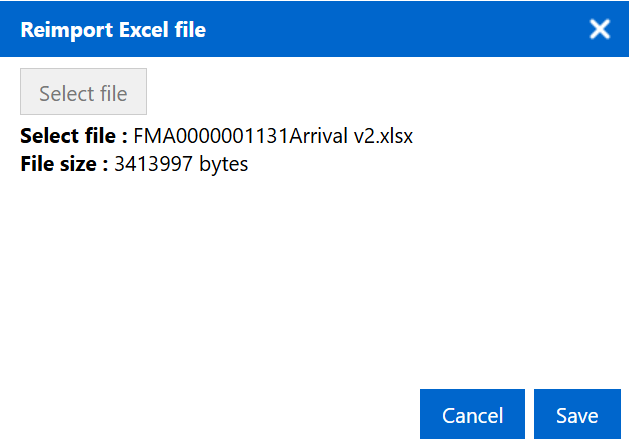
Once the file has been imported, carefully open each declaration and ensure that the imported information is accurate.
If everything is correct, update each declaration to Valid status and proceed with submission.